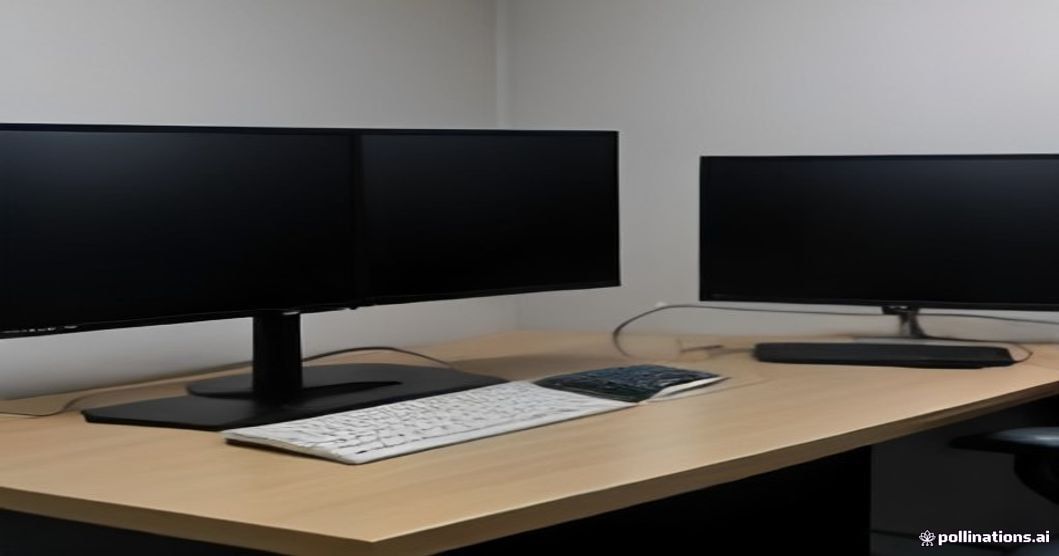
A single screen is often inadequate for users who develop software, design, or work with multiple applications at the same time, especially those who are computer-intensive. An installation with two or three monitors not only increases efficiency, but also gives your home office a professional look when arranged correctly. In this article, we consider the installation of multiple monitors from both a technical and a decorative point of view.
Dual screen layout with laptop and second monitor in home office
Table Width and Monitor Overlay
The first requirement for the use of multiple monitors is a sufficiently large table. A table with a width of at least 120 cm for two monitors and 160 cm and above for three monitors is ideal. Position your home screen directly in front of you, placing the secondary screens at a slight angle to the sides. This placement allows you to see all screens comfortably without turning your neck too much.
Ideal table layout for installations with two and three monitors
Save Space with Monitor Arms
Standard monitor legs take up a lot of space on the table. By using the monitor arms fixed to the table with clamps, you can move the screens to the air and save the space underneath. These levers allow you to easily adjust the height and angle of the screen, making a big difference in terms of both ergonomics and layout.
For a healthy installation, you can look at our ergonomics recommendations in the home office. Cable and table layout in multi-monitor setup
Cable Management and Aesthetics
The biggest problem with multiple monitor setups is cable clutter. Gathering the cables in a conduit mounted behind the desk seriously cleanses the image. When all your monitors are in the same color and series, the setup is complete, which complements the aesthetics of your home office.
Home office setup for widescreen and multi-monitor
A properly installed multi-monitor setup completely changes your workflow. To complete this installation with a sound system and ergonomic furniture, you can access the other articles of the series below. 📚 This article is part of the series. Visit the Home Office Decoration Series: All Guides Together page to see all the home office guides together. Related Articles
Home Office Decoration for Computer Workers
Audio System in the Home Office: Speaker and Headphone Recommendations
Ergonomics in the Home Office: Desk, Chair and Healthy Work
Lighting and Atmosphere Decoration in the Home Office
You May Like
Dishwasher Does Not Drain Water: Causes and Solutions