
If you’ve ever watched a programmer work, you’ve probably noticed they rarely stop at one screen. Two monitors is common, three is far from rare, and some developers run even more. To an outsider it can look excessive, but there’s solid reasoning behind it. Multi-screen coding is about keeping more information in view, switching less, and moving faster. Here’s why so many developers swear by their two- and three-monitor setups.
Less Context-Switching, More Focus
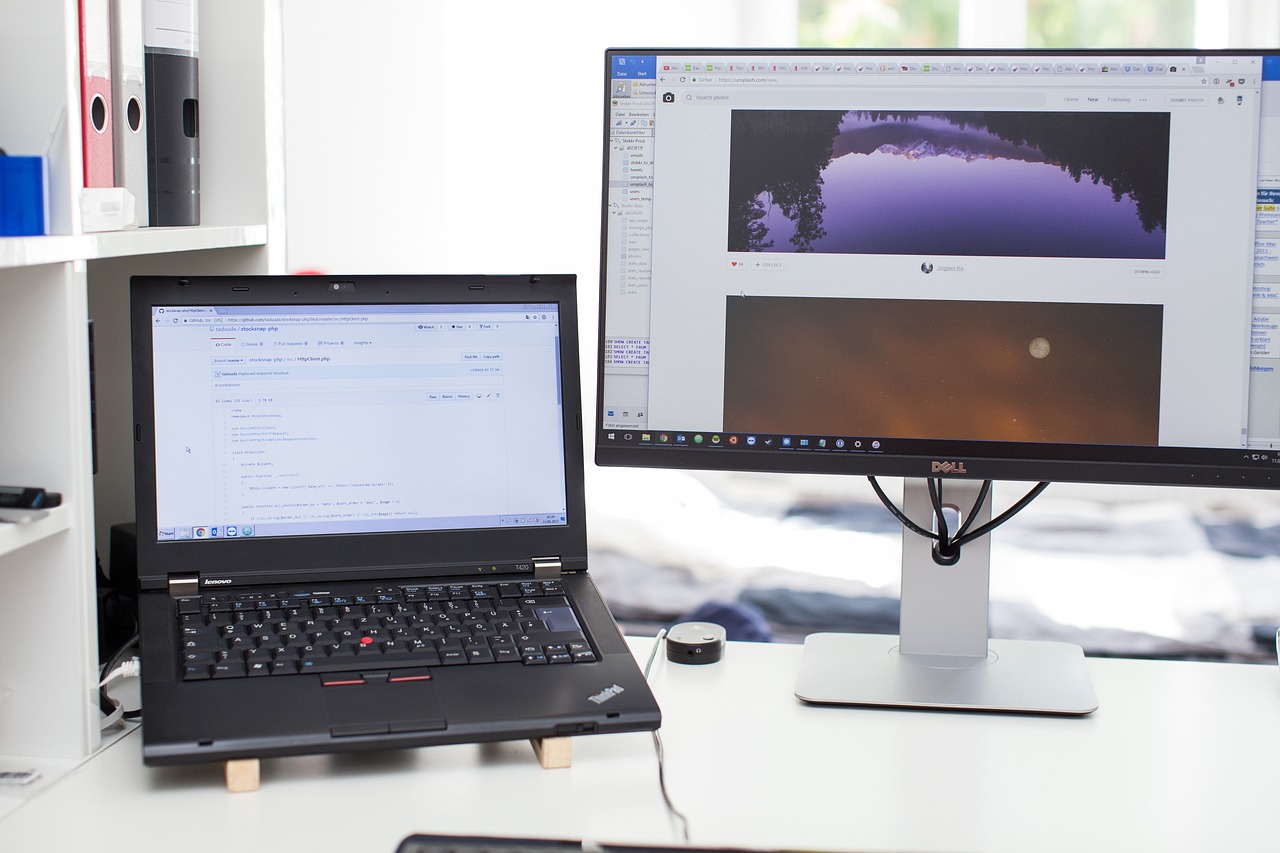
Every time a developer alt-tabs between windows, they pay a small mental cost. Multiply that by hundreds of switches a day and it adds up to real lost focus. With a second or third monitor, the code editor stays open on one screen while documentation, a browser, or a chat window lives on another. Nothing gets hidden, so attention stays where it belongs—on the problem.
Faster Debugging and Testing
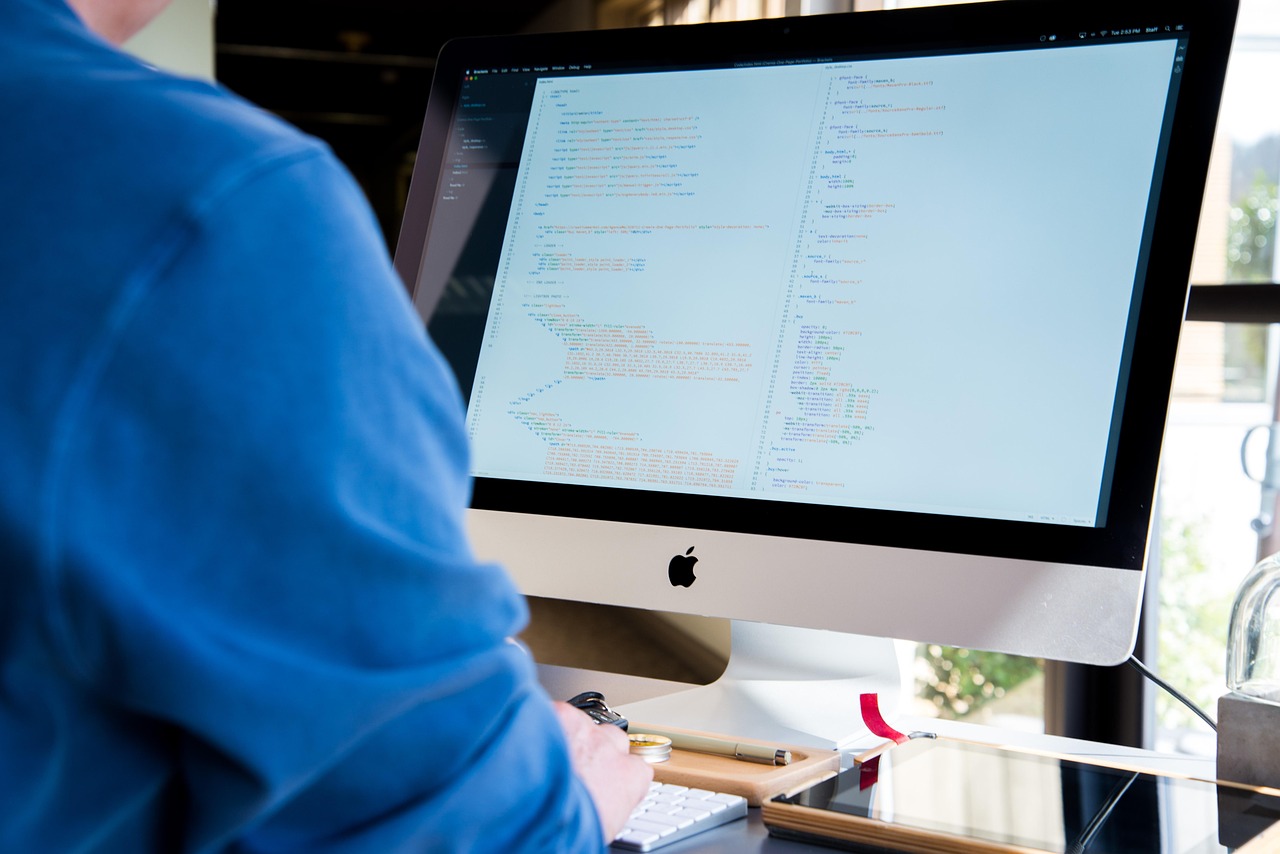
Debugging is where extra screens truly shine. A developer can keep the code on one monitor, the running application on a second, and the console or logs on a third. Changes and their effects appear side by side in real time, turning a slow cycle of switching back and forth into a smooth, immediate feedback loop that speeds up fixing bugs.
Room for Reference and Communication

Coding rarely happens in isolation. Developers constantly reference API docs, Stack Overflow answers, design specs, and team messages. A dedicated screen for these means the main editor never gets buried. During code reviews or pair programming, having the diff on one screen and the live code on another makes collaboration far smoother.
When Is Three Better Than Two?
Two monitors handle most workflows comfortably, but a third earns its place for heavier multitasking. Developers running local servers, monitoring dashboards, or working across many tools benefit from the extra space. The key is balance—too many screens can scatter focus, so most coders settle on the number that keeps everything they need visible without overwhelming them.
Multiple monitors aren’t about looking impressive—they’re a practical answer to how programming actually works. By reducing context-switching, accelerating debugging, and keeping references close, two or three screens help developers think and build more efficiently. For anyone writing code daily, the productivity gains are hard to give up once you’ve experienced them.
More from this series: Also read Inside a Programmer’s Multi-Monitor Workspace and continue with Building the Perfect Coding Desk: Hardware, Ergonomics, and Monitor Arrangement to build your ideal coding setup.





2 thoughts on “Why Developers Use 2 or 3 Monitors: The Productivity Behind Multi-Screen Coding”