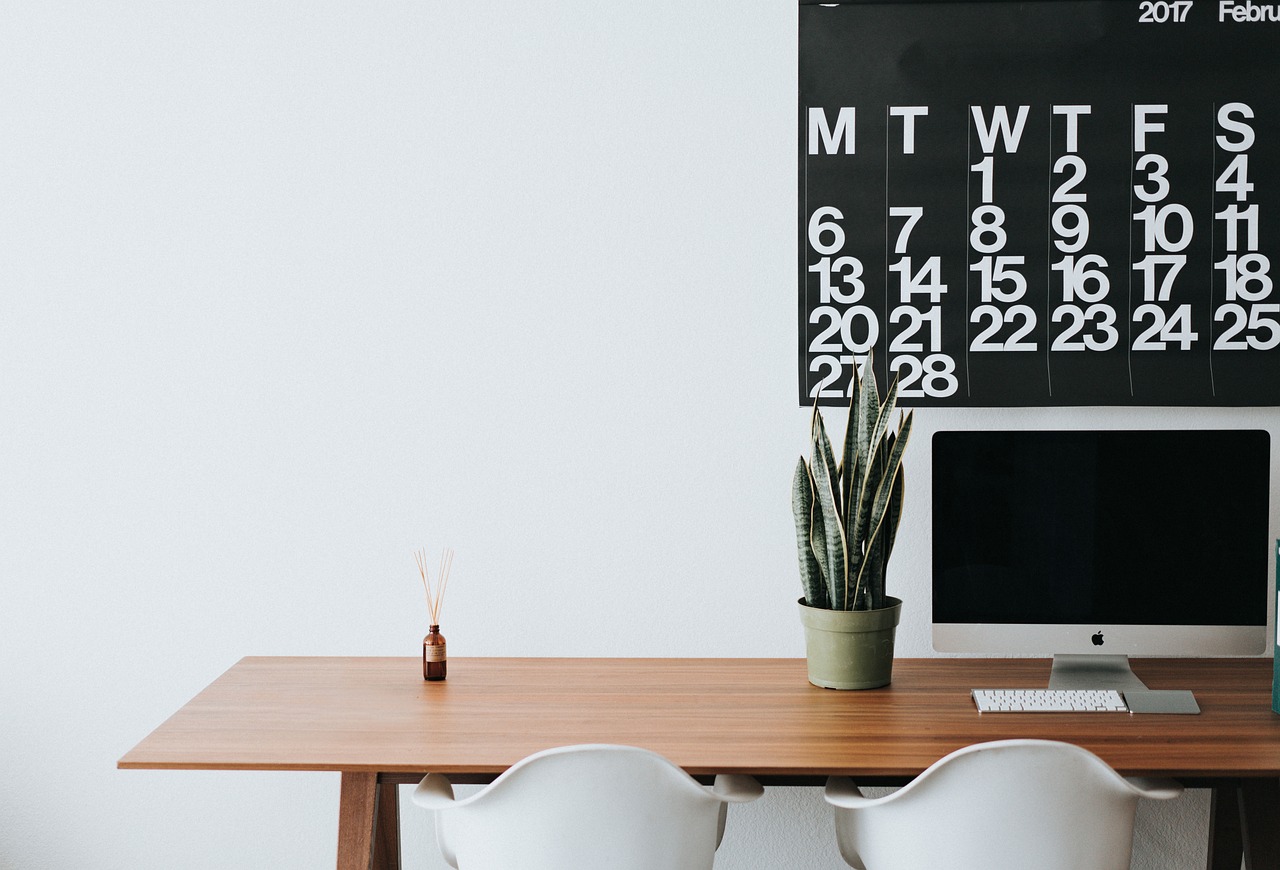
Most programmers start out on a single laptop screen, and for a while it’s enough. But as projects grow and workflows get busier, that one display starts to feel cramped. Upgrading to a multi-monitor setup is one of the most satisfying improvements a developer can make. The good news is you don’t have to do it all at once. Here’s a practical path from a single screen to a full triple-monitor programming workstation.
Step 1: Add a Second Screen
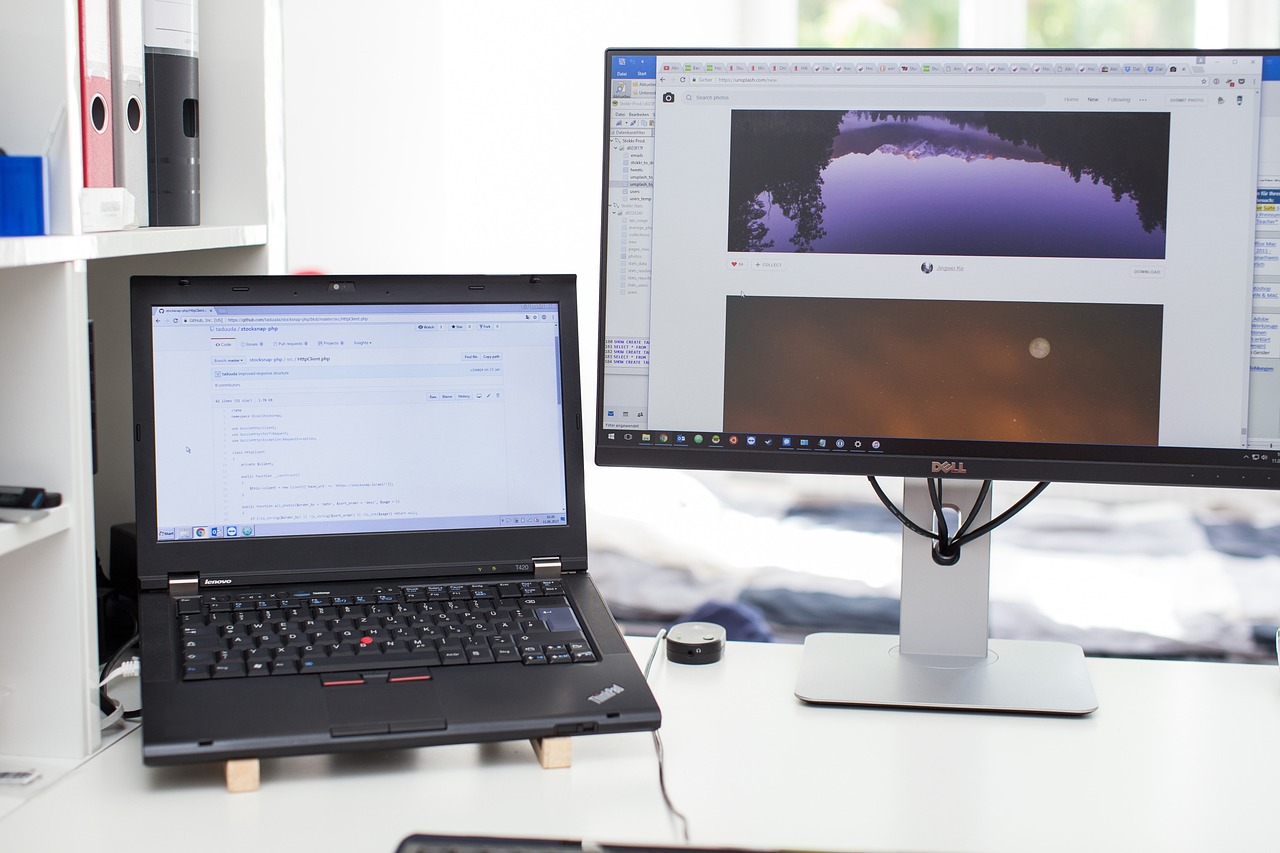
The jump from one screen to two is the biggest leap in productivity you’ll feel. Start by docking your laptop or connecting a single external monitor, and dedicate it to your code editor while the other handles browsers and references. Make sure your graphics setup supports the extra display, then enjoy the immediate relief of no longer cramming everything into one window.
Step 2: Consider Going Triple

Once two screens feel natural, a third opens up new workflows. A triple-monitor setup lets you keep your editor centered, documentation on one side, and a terminal, dashboard, or communication tool on the other. Check that your computer can drive three displays, and think about whether your work genuinely benefits from the extra space before adding it.
Step 3: Arrange and Calibrate

Hardware is only half the job—arrangement makes it usable. Place your main monitor straight ahead and angle the others inward so your eyes sweep across them comfortably. Match resolutions and brightness where you can, and use your operating system’s display settings to position the screens correctly so your mouse moves between them seamlessly.
Step 4: Refine the Whole Space
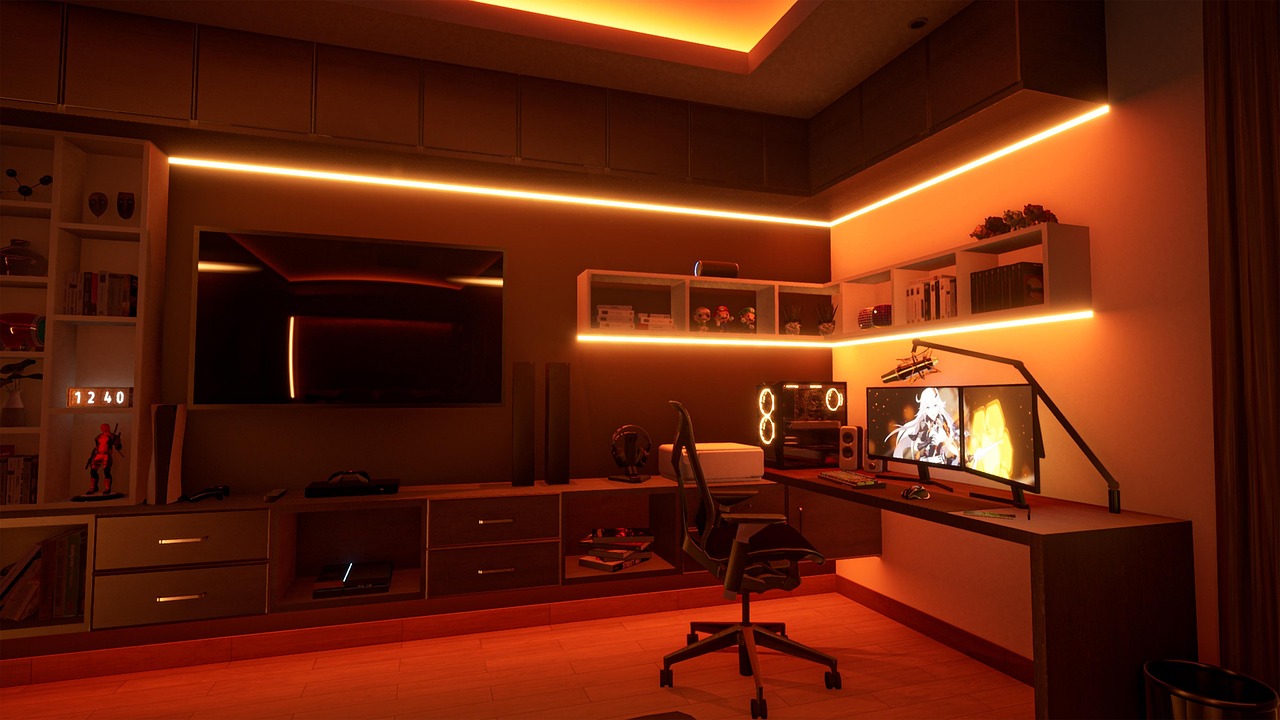
With the screens in place, finishing touches tie the setup together. Tidy your cables, add a monitor arm or two for flexibility, and improve the lighting to reduce eye strain. Small upgrades—a better chair, a desk mat, some bias lighting—turn a functional multi-monitor rig into a workspace you actually look forward to sitting at.
Upgrading from a single screen to a triple-monitor setup transforms how it feels to write code. By taking it step by step—adding a second screen, weighing a third, then arranging and refining—you build a programming workstation tailored to your workflow. Whether you stop at two screens or go all the way to three, the extra space pays you back in focus and flow every day.
More from this series: Also read A Day in a Developer’s Home Office: Tools, Gear, and Workspace Habits and continue with Inside a Programmer’s Multi-Monitor Workspace to build your ideal coding setup.




One thought on “From Single Screen to Triple Monitor: Upgrading Your Programming Setup”