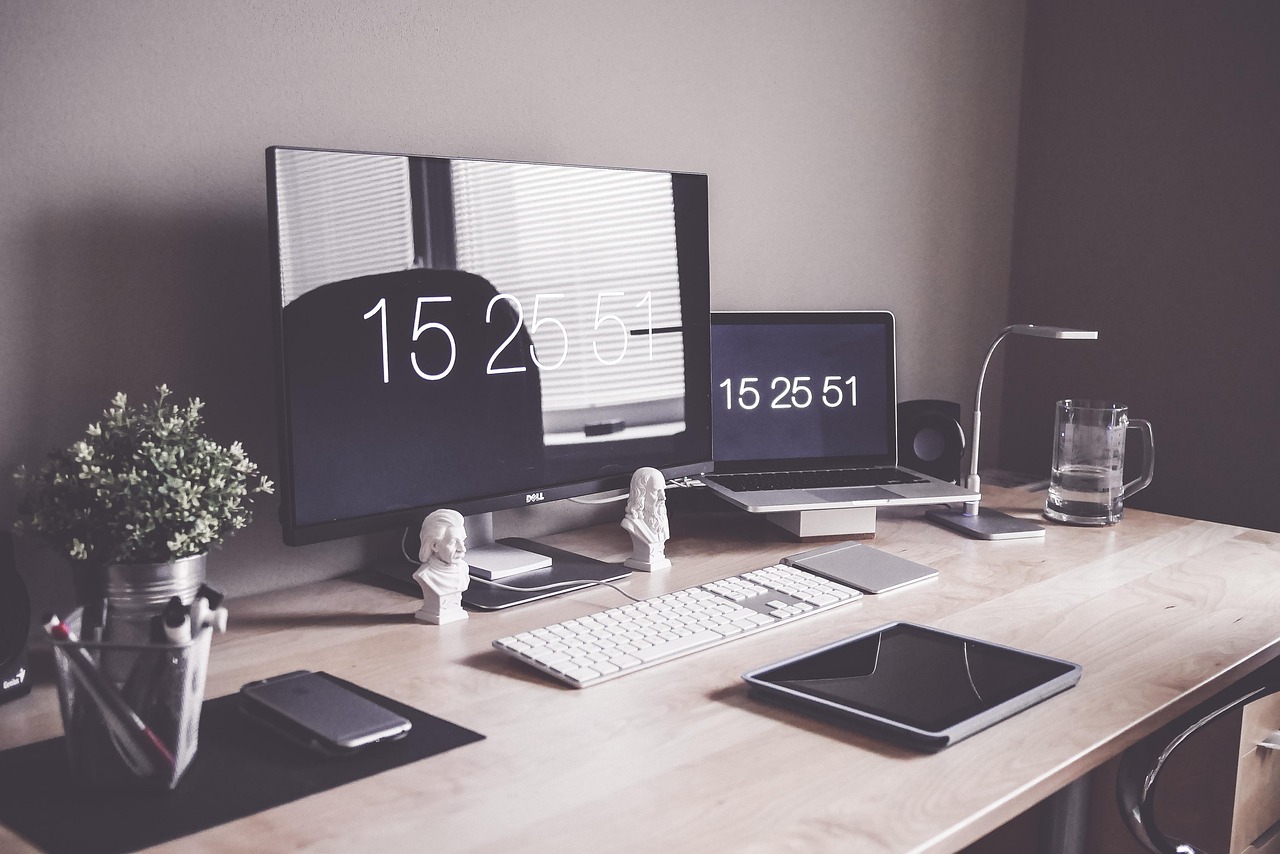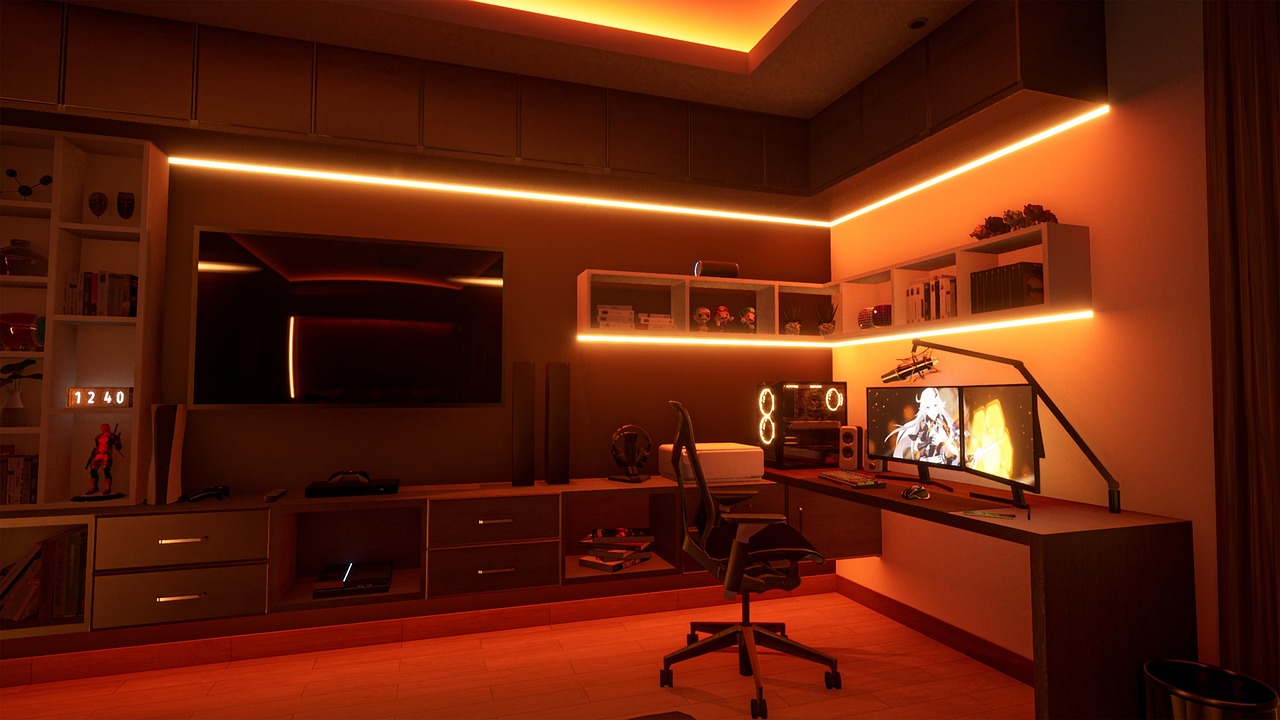
Walk into any software developer’s room and one thing stands out immediately: the screens. Where most people work on a single laptop, programmers often surround themselves with two, three, or even more monitors. This isn’t just for show—it reflects how coders actually work, juggling editors, browsers, terminals, and documentation all at once. In this post, we step inside the typical programmer’s multi-monitor workspace to see what these setups look like and why they’re built this way.
More Screens, More Code in View

The defining feature of a programmer’s room is screen real estate. Developers constantly switch between writing code, reading documentation, testing in a browser, and watching logs in a terminal. A single screen forces endless window-switching, which breaks focus. By spreading these tasks across two or three monitors, programmers keep everything visible at once and stay in the flow far longer.
The Desk Setup at a Glance
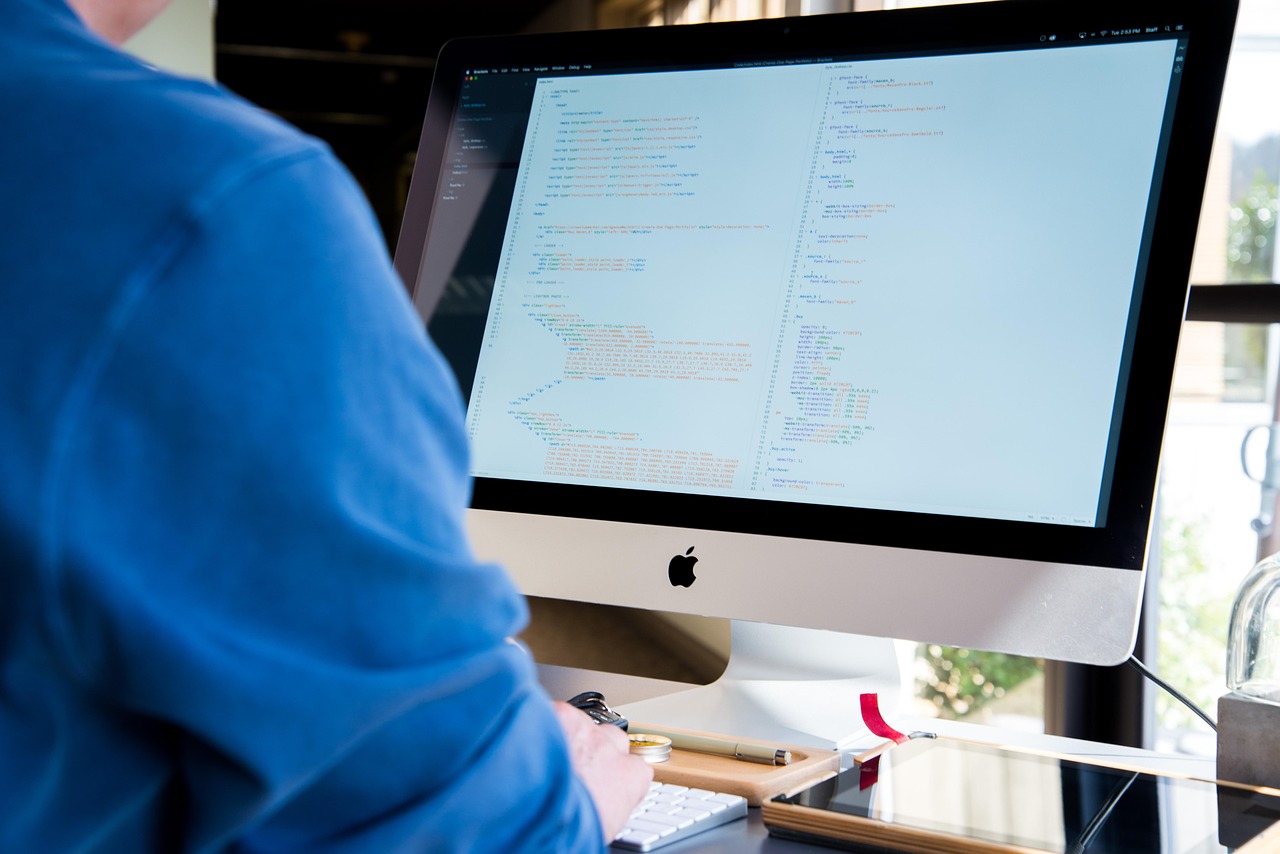
A typical coder’s desk centers on a wide or L-shaped surface to hold multiple displays. You’ll usually find a mechanical keyboard, a precise mouse, and often a laptop docked alongside the external monitors. Cables are routed behind the desk, and a monitor arm or two keeps screens at eye level. Everything is arranged for long, comfortable hours of focused work.
A Personal, Functional Space
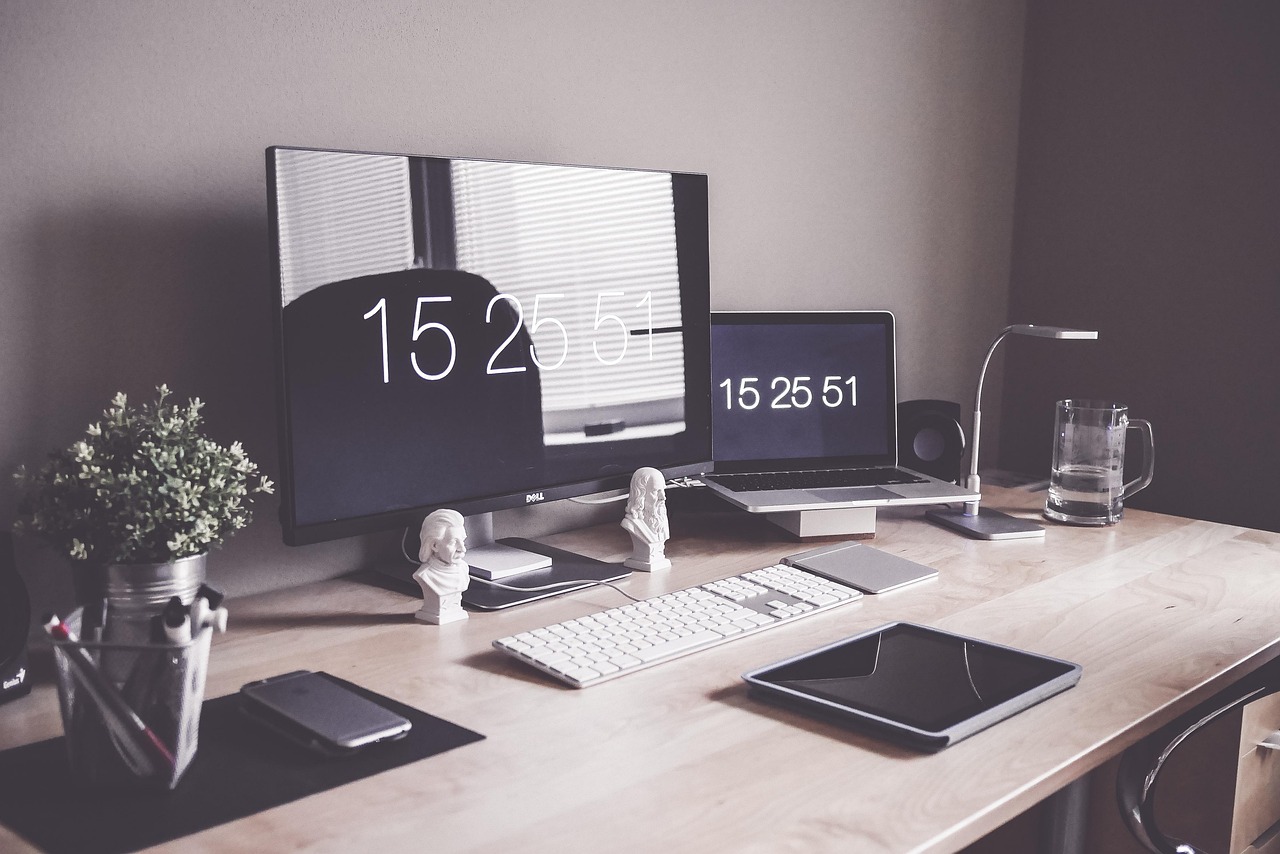
Beyond the hardware, a developer’s room reflects their personality and habits. Some keep a minimalist, clutter-free desk with just the essentials, while others fill the space with plants, mugs, and gadgets. What unites them is intent: every item earns its place because the room is a tool for deep, concentrated thinking and building.
Why It Matters

A well-designed workspace is more than a comfort—it directly affects productivity and well-being. Good monitor placement reduces neck strain, ample screen space cuts context-switching, and a tidy environment helps maintain focus. For people who spend eight or more hours a day at a keyboard, the room around them is as important as the code on the screen.
A programmer’s multi-monitor workspace is a window into how modern software gets built. The extra screens, the docked laptop, the carefully arranged desk—all of it serves one goal: helping a developer think clearly and work efficiently. In the rest of this series, we’ll dig deeper into the screens, hardware, and habits that make these setups tick.
More from this series: Also read From Single Screen to Triple Monitor: Upgrading Your Programming Setup and continue with Why Developers Use 2 or 3 Monitors: The Productivity Behind Multi-Screen Coding to build your ideal coding setup.