In this article
- The box that everyone has and nobody understands
- Modem or router? They are not the same thing
- From screeching dial-up to invisible Wi-Fi
- How Wi-Fi actually works: talking with radio waves
- Channels, bands, and why 2.4 fights with 5
- What is inside the box
- The alphabet soup of Wi-Fi standards
- What happens after the router: the journey of your data
- Locking the door: Wi-Fi security
- Getting a better signal out of what you have
- Where home networking is heading
There is a small glowing box somewhere in almost every home now, usually shoved behind the television or stuffed into a cupboard, blinking quietly to itself. We notice it only when it stops working, at which point it becomes the most important object in the house and the cause of genuine family distress. It is the router, the unsung hero of modern life, and it is responsible for the invisible cloud of connectivity that our phones, laptops, televisions, doorbells, and speakers all silently depend on.
For something so central, the home router is almost universally misunderstood. Most people could not say what it actually does, how it differs from the modem it often sits next to, or why the signal is strong in one room and useless in another. This article pulls the lid off that blinking box. We will sort out the modem-versus-router confusion once and for all, trace how home internet went from a screeching telephone connection to silent wireless, explain how Wi-Fi pulls data out of thin air using radio waves, and finish with practical ways to get a faster, more reliable connection out of the equipment you already own.

The box that everyone has and nobody understands
At its simplest, a router is a traffic director. Its job is to sit between all the devices in your home and the wider internet, and to make sure that data goes to the right place. When your laptop asks for a web page and your phone streams a video at the same time, it is the router that keeps the two streams of data separate, sending the web page to the laptop and the video to the phone without mixing them up. It is, quite literally, routing—hence the name.
A modern home router usually does this in two ways at once. It has a few sockets on the back for plugging in devices with a cable, and it broadcasts a wireless signal—Wi-Fi—for everything else. The wireless part is what most of us actually use, and it is the reason a single box can serve a whole house full of devices that never touch a wire. But the router only manages traffic within your home and to the front door of the internet. Getting your data out onto the global internet is a separate job, and that is where the modem comes in.
Modem or router? They are not the same thing
This is the single most common point of confusion, so it is worth being clear. The modem is the device that connects your home to your internet service provider. The word is a contraction of modulator-demodulator, which is a clue to its job: it translates between the digital data your devices speak and the signal that travels down whatever line connects you to the outside world—a coaxial cable, a phone line, or a fiber optic strand.
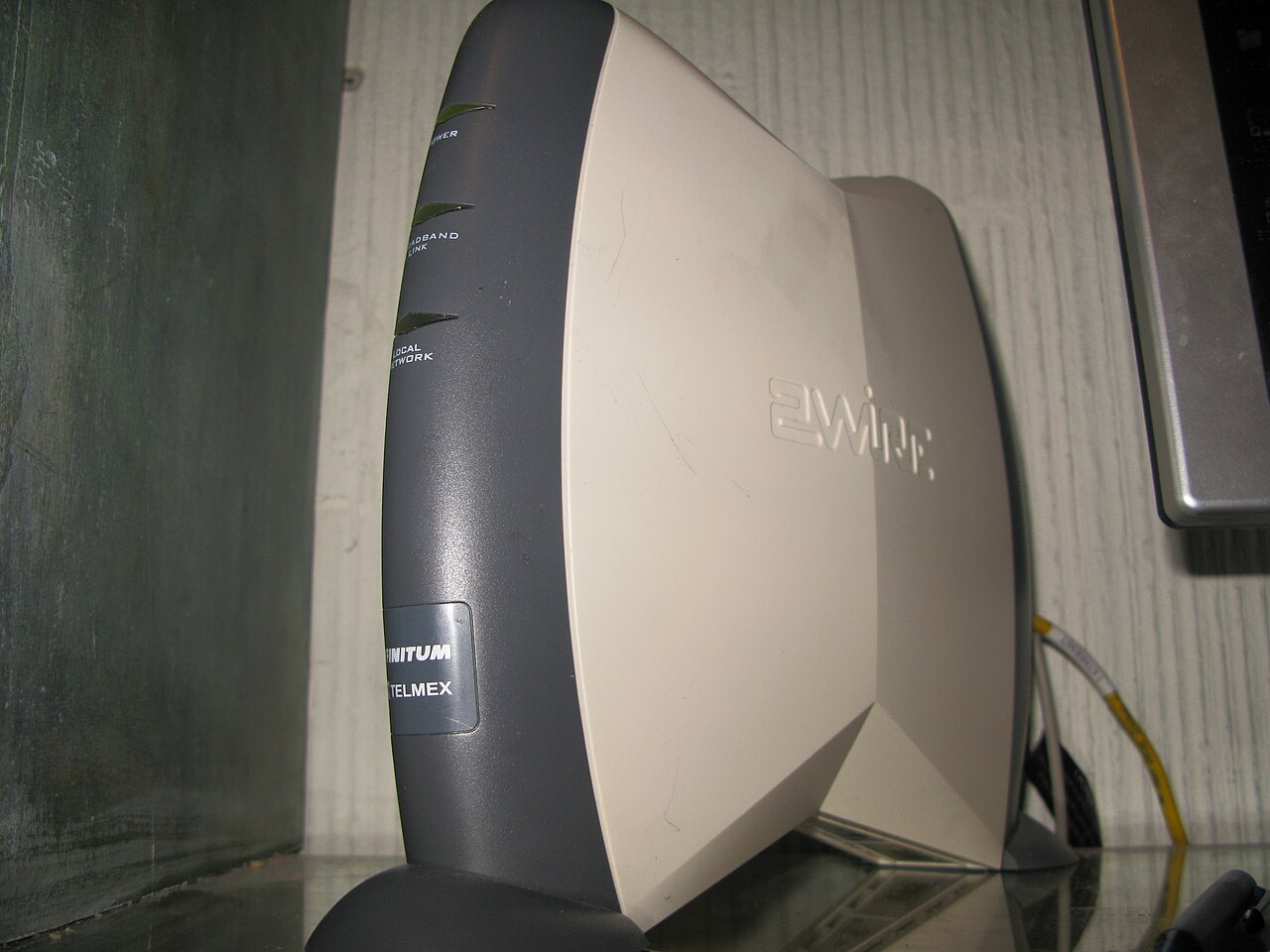
The router, by contrast, takes that single connection from the modem and shares it among all your devices, both by cable and over Wi-Fi. In the early days these were always two separate boxes: the modem on the wall and the router plugged into it. Today, internet providers usually supply a single combined unit—often called a gateway—that does both jobs at once, which is exactly why the distinction has become so blurry. But they remain two distinct functions. The modem is your bridge to the internet; the router is the traffic controller for your home.
From screeching dial-up to invisible Wi-Fi
Anyone over a certain age remembers the sound: a series of beeps and hisses and harsh static as a computer dialled into the internet over an ordinary telephone line. That was the dial-up modem, and it worked by literally turning data into sound and sending it down the phone wire—the screech was the two modems negotiating a connection. It was painfully slow by modern standards, topping out at speeds that would take many minutes to load a single photo today, and it tied up the home phone line so nobody could make a call while you were online.
The leap to broadband changed everything. Technologies like DSL, which sent data over the same phone lines but at far higher frequencies so the phone could be used at the same time, and cable internet, which used the coaxial wire that delivered television, brought always-on connections that were dozens or hundreds of times faster. There was no more dialling in and no more screeching; the internet was simply there, all the time.
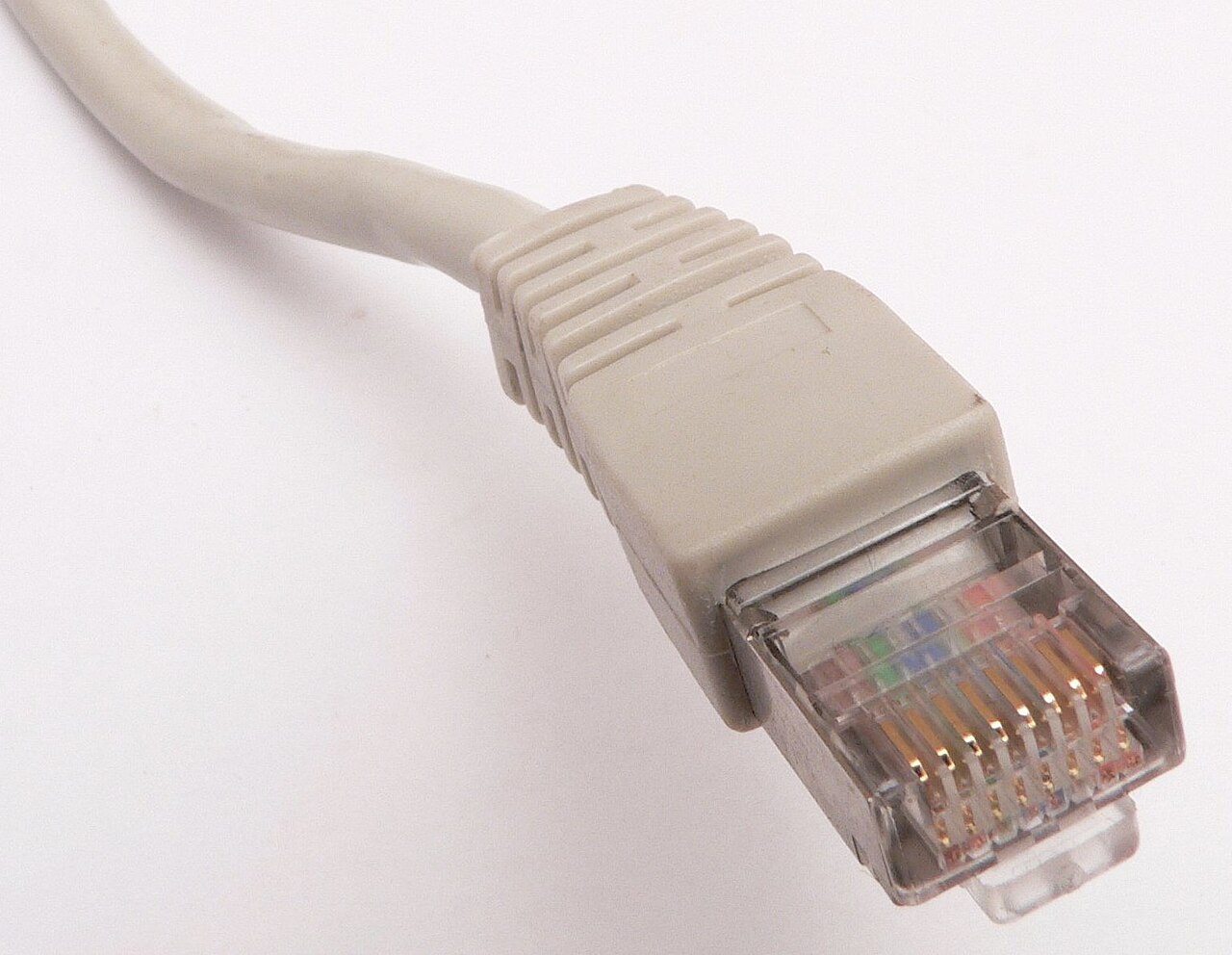
The other half of the revolution was cutting the cable inside the home. Early broadband still meant a wire running from the router to your computer. Wi-Fi, which became widely available around the turn of the millennium, freed devices from that tether, letting laptops and later phones roam the house while staying connected. The combination of always-on broadband and wireless freedom is what turned the internet from something you sat down to use into an invisible utility woven through the whole home, as taken for granted as electricity or running water.
How Wi-Fi actually works: talking with radio waves
Wi-Fi can feel like magic—data appearing in the air—but it is really just radio, the same fundamental phenomenon as the radio in your car or the signal to a walkie-talkie. Your router contains a small radio transmitter and receiver, and so does every device that connects to it. They communicate by sending information encoded as patterns in radio waves, a type of electromagnetic wave that travels at the speed of light.

The electromagnetic spectrum is vast, running from low-frequency radio waves up through visible light to X-rays. Wi-Fi occupies a couple of specific, internationally agreed-upon bands of radio frequency that are set aside for this kind of unlicensed use. The router’s job is to take your digital data—those ones and zeros—and impose them onto a radio wave by subtly varying it, a process called modulation. Your device picks up the wave, reads the variations, and reconstructs the original data. Because both ends can transmit and receive, they hold a rapid back-and-forth conversation, far faster than any human exchange, checking that each packet of data arrived intact and asking for a resend if not.
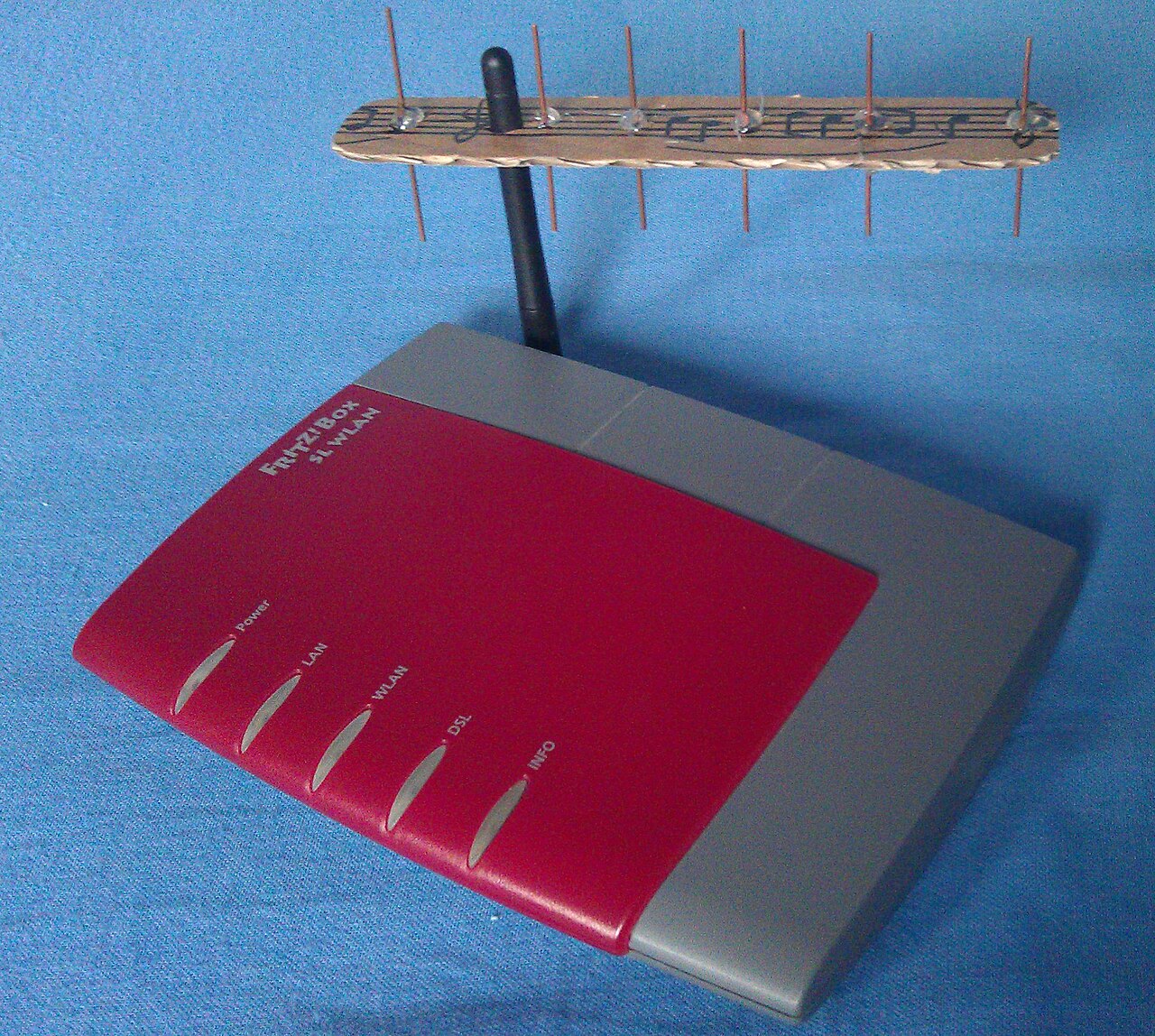
This is also why walls, distance, and interference matter so much. Radio waves weaken as they travel and are absorbed or reflected by obstacles—thick walls, metal, even water and human bodies. The further you are from the router and the more it has to penetrate, the weaker and slower the connection becomes. The antennas on a router, whether sticking out visibly or hidden inside, are tuned to broadcast these waves as effectively as possible, but physics sets hard limits on how far a low-power household signal can reach.
Channels, bands, and why 2.4 fights with 5
Modern Wi-Fi operates on more than one frequency band, and understanding the difference solves a lot of everyday frustration. The older 2.4 gigahertz band travels further and passes through walls better, but it is slower and horribly crowded—it is shared not just with every neighbour’s router but with microwave ovens, cordless phones, baby monitors, and Bluetooth devices, all competing for the same airspace. The newer 5 gigahertz band is much faster and far less congested, but its shorter waves do not travel as far or penetrate walls as well.
This is the fundamental trade-off of home Wi-Fi: range versus speed. A device close to the router does best on the fast 5 gigahertz band; a device down the hall behind two walls may only manage a stable connection on the slower but tougher 2.4 gigahertz band. Each band is further divided into channels, like lanes on a road, and if your router and your neighbour’s are both shouting on the same channel, they interfere and slow each other down. Many modern routers handle all of this automatically, juggling bands and channels behind the scenes, which is why you usually never have to think about it—until the connection mysteriously crawls and a quick reposition or channel change fixes it.
What is inside the box
Pop open a router and you find, in essence, a small specialised computer. There is a processor, though a modest one compared to a phone, dedicated to the single task of shuffling data packets as fast as possible. There is a little memory to hold its working data, and a chunk of flash storage holding its firmware—the built-in software that makes it a router rather than a paperweight.
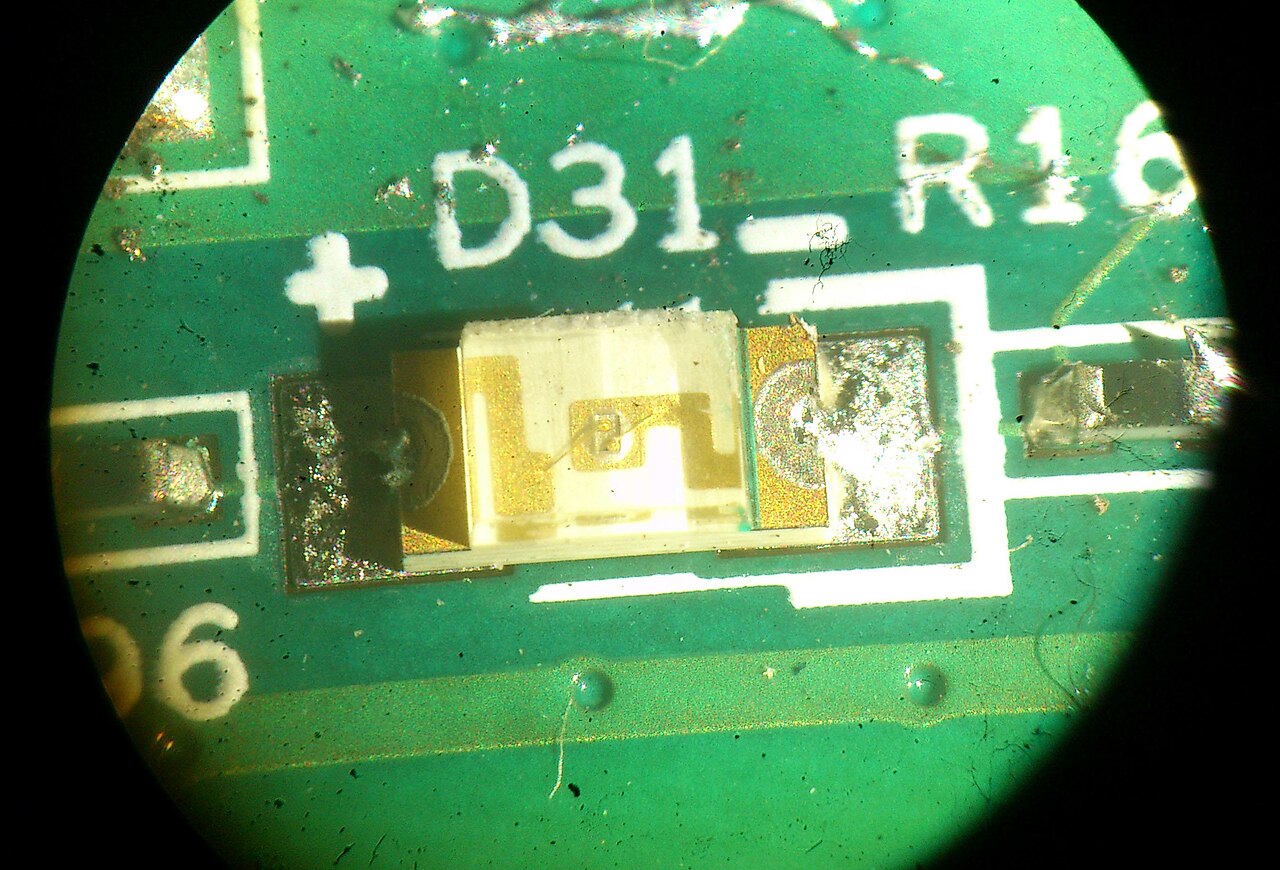
Alongside the processor sit the radio chips that handle the actual Wi-Fi transmission and reception, connected to the antennas. There are physical Ethernet ports for wired connections, a port to connect to the modem, and a tangle of supporting components that manage power and keep the radios behaving. The blinking lights on the front are simply status indicators wired to this board, telling you at a glance whether it has power, an internet connection, and active Wi-Fi. It is a humble computer, but a relentlessly busy one, handling thousands of data packets every second without complaint.
The alphabet soup of Wi-Fi standards
If you have ever shopped for a router you will have met a baffling list of codes—things like 802.11n, 802.11ac, and the newer, friendlier names Wi-Fi 5, Wi-Fi 6, and Wi-Fi 7. These are simply successive generations of the Wi-Fi standard, each one faster and cleverer than the last. The numbers were introduced to make the older technical codes comprehensible: Wi-Fi 6 is just a tidier name for the standard previously known as 802.11ax.
Each generation brings higher top speeds, but the more meaningful improvements are usually in how the technology copes with many devices at once. Older Wi-Fi essentially talked to one device at a time, switching between them so fast it felt simultaneous. Newer standards can genuinely communicate with several devices in parallel and are far better in crowded environments full of competing signals—which matters more than ever now that a typical home has dozens of connected gadgets rather than a single laptop. It is worth remembering that both ends need to support a standard to benefit from it; a cutting-edge router does nothing extra for an old phone that only speaks an older version.
What happens after the router: the journey of your data
It is easy to imagine the internet ending at your router, but your data’s journey has barely begun there. When you load a website, the request leaves your device, passes through your router, crosses the modem, and travels out along your provider’s lines. From there it is handed between a chain of ever-larger networks, hopping across cities and often continents, frequently travelling along fiber optic cables.
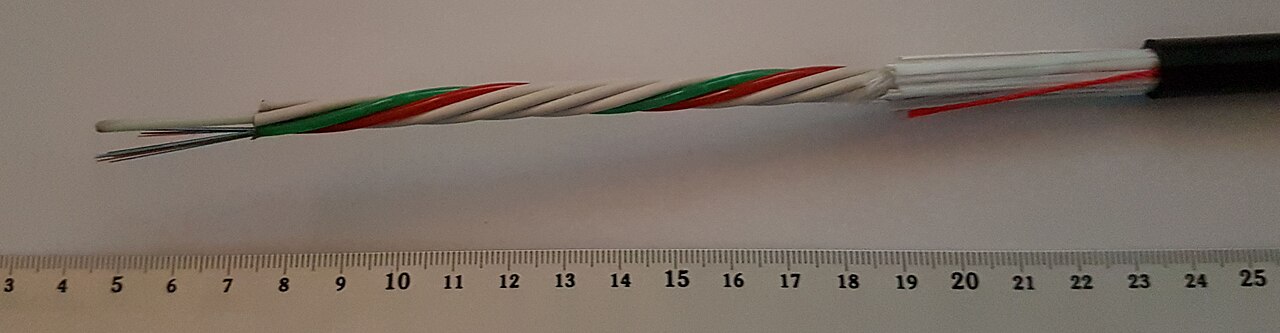
Fiber optics are worth pausing on, because they are how the modern internet really moves. Instead of electrical signals down a copper wire, fiber sends data as pulses of light down strands of glass thinner than a human hair, allowing staggering amounts of information to travel enormous distances at nearly the speed of light. The vast majority of the world’s long-distance internet traffic, including the cables strung across the floors of entire oceans, runs on fiber. Your request eventually reaches a data centre—a building full of thousands of computers—which sends the web page back along a similar path, and the whole round trip typically happens in a fraction of a second. The router in your cupboard is just the first and last step in a planet-spanning relay.
Locking the door: Wi-Fi security
Because Wi-Fi broadcasts through the air, anyone within range can potentially pick up the signal, which is why securing it matters. The protection comes from encryption: scrambling the data travelling between your device and the router so that even if someone intercepts it, they cannot read it without the key. That key is, ultimately, your Wi-Fi password.
The standards for this encryption have improved over the years, from the long-broken early schemes to the modern WPA2 and WPA3 protocols that protect most networks today. The practical advice is simple and worth following: use a strong, unique Wi-Fi password, make sure your network is using a current security standard rather than an ancient one, and—something many people never do—change the default administrator password used to log into the router’s own settings, since the factory defaults are widely known. A router left on its default settings is a door left unlocked.
Getting a better signal out of what you have
Most home Wi-Fi complaints come down to placement and physics rather than a faulty router, and a few changes can transform a weak connection. The biggest one is location: a router shoved in a corner cupboard at floor level, surrounded by walls, is fighting a losing battle. Placing it centrally, up high, and out in the open lets its signal spread far more evenly through the home. Keeping it away from other electronics, large metal objects, and especially the microwave oven—which blasts the same 2.4 gigahertz band when running—also helps.
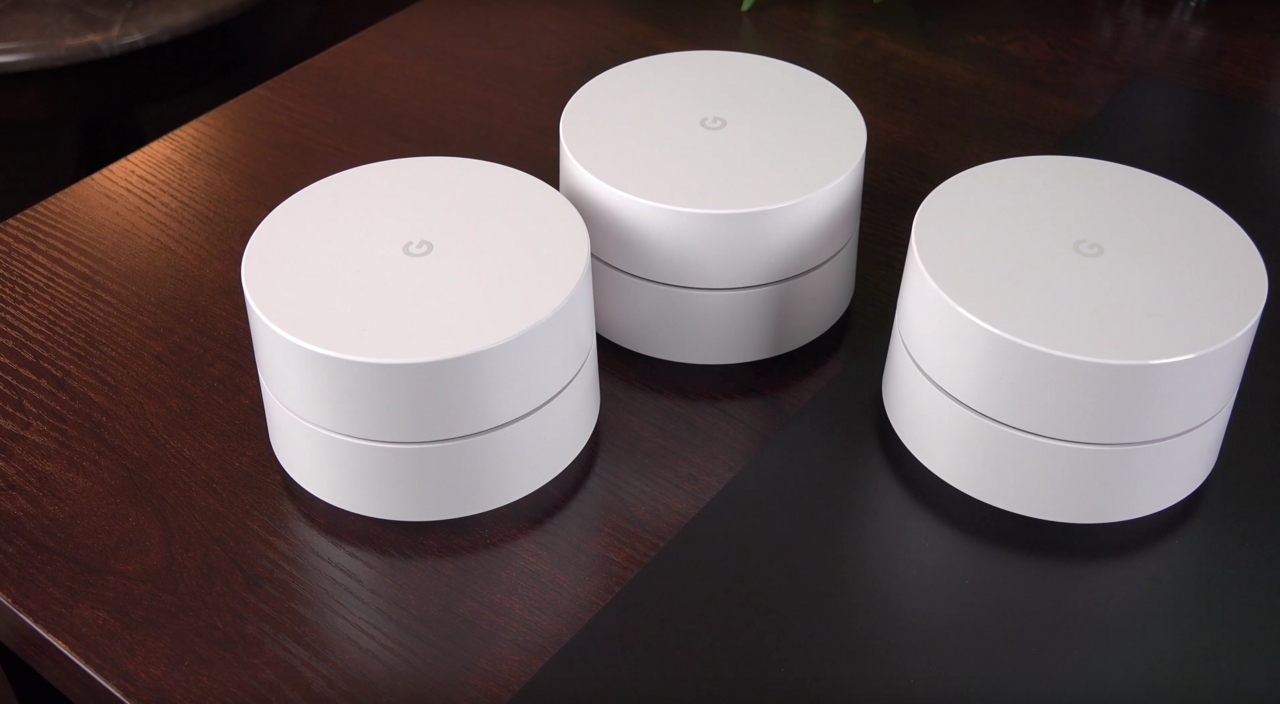
For larger or awkwardly shaped homes, a single router simply cannot reach everywhere, and the modern solution is a mesh system: several units scattered around the house that work together as one seamless network, handing your devices off between them as you move. It is a far better approach than the old range extenders, which often halved your speed. And for the devices that really matter and stay put—a desktop computer, a games console, a television—nothing beats a plain Ethernet cable, which sidesteps all the uncertainty of radio for a connection that is faster, steadier, and immune to interference. The humble cable is still the gold standard when it counts.
Where home networking is heading
The trajectory of home networking is toward faster, smarter, and more invisible. New Wi-Fi standards keep arriving with higher speeds and better handling of the ever-growing crowd of connected devices, and newer frequency bands are being opened up to relieve congestion. Mesh systems are becoming the default rather than the exception, treating the whole home as a single network rather than a patchwork of dead zones.
At the same time, the demands on these little boxes keep climbing. The smart home—lights, locks, cameras, thermostats, speakers—means a typical household now has dozens of devices clamouring for the router’s attention, a load unimaginable a couple of decades ago. As more of our entertainment, work, and daily life flows through that wireless cloud, the router quietly grows more important even as we notice it less. The ideal, as with all good infrastructure, is for it to vanish entirely into the background—always there, always working, and only ever thought about on the rare and dreaded occasion when it is not.